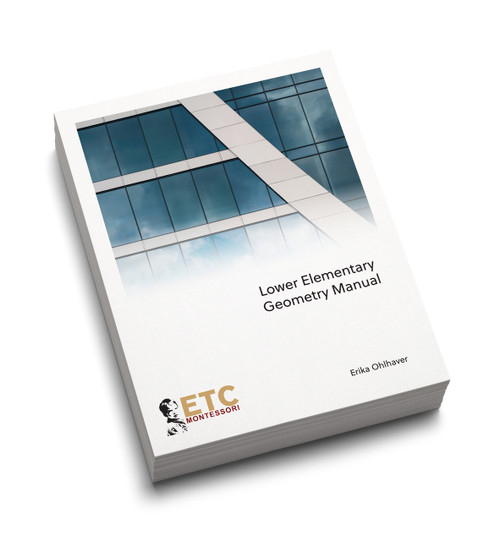

Product Overview
130 Pages.
This complete manual provides lessons and pictures for the Lower Elementary science area. Content areas presented include:
- Classification
- Botany
- Zoology
- Ecology
- Chemistry
- Physics
- Lesson in biology are written with a 3 Domain, 6 Kingdom model.
This manual was written to include content information and is predicated on the idea that classic nomenclature is one of many follow up activities in the science area. Therefore the structure of presenting introductory activities is given precedence over detailed lessons on specific nomenclature. It is thought that once you understand this structure you will need more background information in the content then how to present the follow up activities.
THIS IS A DIGITAL FILE PURCHASE. Please read the section "About Digital Files:" carefully. Digital files are non-refundable.
About Digital Files:
- You will need a viewer to view the file. A link containing download instructions for your viewer, based on the platform you have, will be emailed to you within 24-48 hours after you have completed your purchase.
- You will need a license to access the file.
- A link containing your license will be emailed to you within 12-24 hours after you have completed your purchase.
- Please activate your license after you have installed your viewer (explore how).
- You should be expecting your license as an email attachment from ETC Montessori Support (support@edutc.com).
- Each file is Digital Rights Managed (DRM) for copyright protection.
- You will not be able to install the viewer or the files on a server.
- You will not be able to print the files.
- You will not be able to take screenshots, change or copy texts.
- Your ability to share your screen will be limited.
- You will be able to install the file on 2 devices. Your IP address on your device will be linked to the file(s). This means that you may choose up to 2 devices of your choosing to view the files.
- The files(s) are viewable on the following devices using a proprietary viewer. Install the viewer prior to activating your license:
- iOS Download from the Apple App Store - Search for Locklizard
- iPad Download from the Apple App Store - Search for Locklizard
- iPhone Download from the Apple App Store - Search for Locklizard
- iPod Download from the Apple App Store - Search for Locklizard
- Android Download from the Google Play Store - Search for Locklizard
- Windows, Follow the link and choose the .exe file
- Mac devices. Follow the link and download the mac viewer (including Macbook Air, Macbook Pro, iMac Pro, Mac mini, iMac, Mac Pro)
Who can purchase this manual:
- This manuals is available for download by teachers and parents.
RESOURCES
Locate and download this manual from the ETC Montessori Dropbox Server
How to install, activate your license, & open protected PDF files